Search for a Work Order Entity
Entities that are associated to work orders can be searched.
- Click the Work Order Entity Search tab on the main toolbar.
- Enter search criteria in the fields. See Work Order Entity Search Fields for more information about the fields.
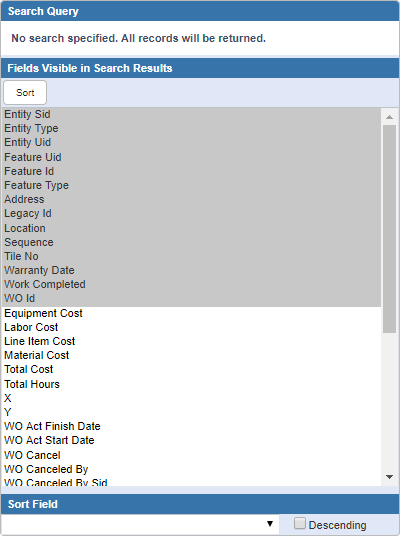
- Select the fields to be returned in the search results in the Fields Visible in Search Results panel. Note that if the Entity Uid of an asset returned in the search results is zero, the EntityUid and FeatureUid fields will not be displayed as hyperlinks. EntityType is required for the EntityUid field to be a hyperlink and FeatureType is required for the FeatureUid field to be a hyperlink.
- If you wish to sort the search results by a particular field, select that field from the Sort Field drop-down list. Select Descending to sort the search results in descending order by that field. If a saved search is created, the Sort Field selected also applies to that saved search.
- Click Search.
Any assets that match the search criteria are shown.
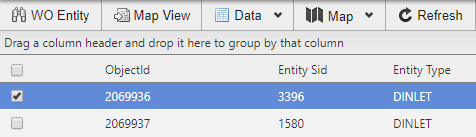
- Click Map to open the map with pins for the entities.