Add Incoming or Outgoing Pipes
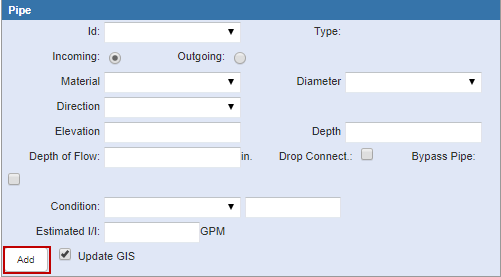
Incoming or outgoing pipes can be added to the inspection.
- Open the manhole inspection.
- Click the Pipes tab.
- Enter information in the Pipe section.
- Click Add.
- Click Save.