View Report Security
Domain administrators can view and adjust security for reports.
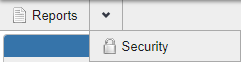
- Open Reports from the main toolbar.
- Select the desired report to view security for and click View > Security.
The report security options are shown. See Security for more information.