Move a Project
Projects can be moved if they were added in the wrong place.
- Navigate to projects.
- Select a project.
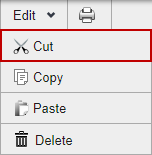
- Click Edit > Cut.
- Select where you want the project moved.
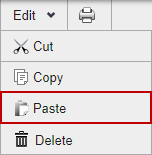
- Click Edit > Paste. The moved project is placed under the one you selected.