Add a Map Layer
You can add any map layer to your route using the centroid for points, lines, or polygons.
|
You can select assets on the map to get a route to them, or initiate an event layer for the desired assets and add them to the map as a layer. Then select that layer and add it to the route. See |
 EXAMPLE
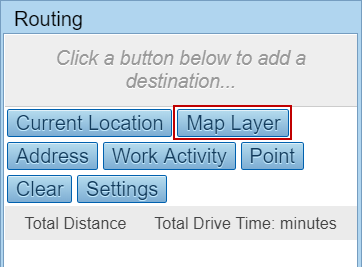
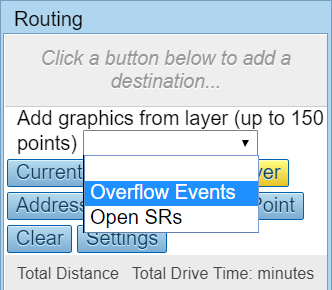
- Select a map layer from the drop-down list.
 NOTE: Only event layers set as visible in the Legend and containing records returned in the search are displayed in the drop-down list.
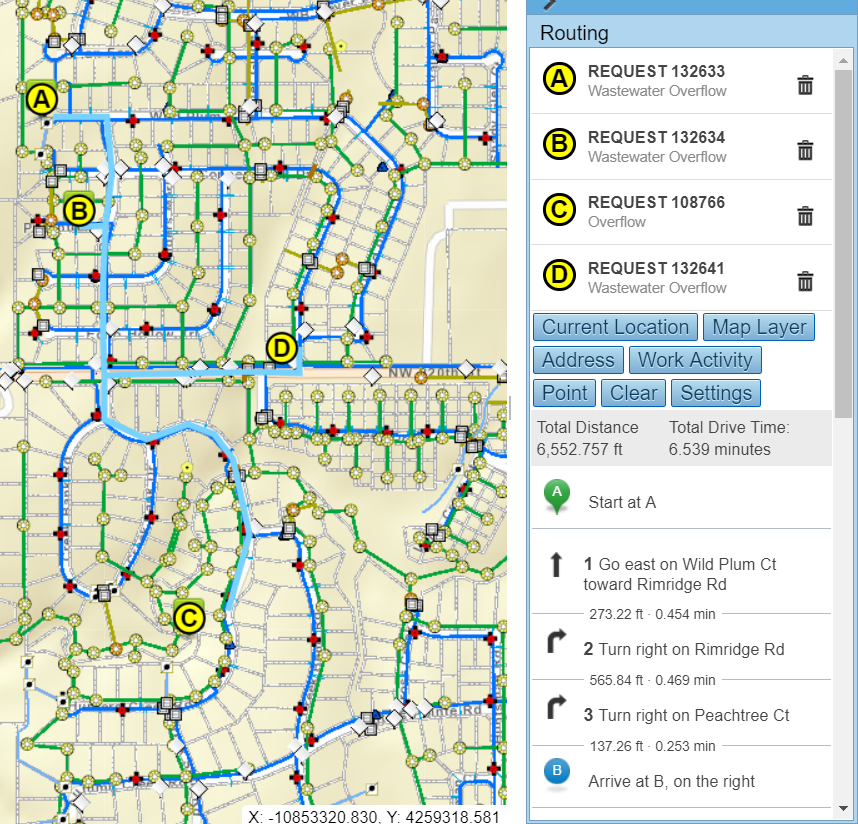
A route to the location of the selected map layer displays.
NOTE: Cityworks doesn't control how event layers display when zoomed in or out. Cityworks adds the layer to the map and Esri logic controls the display.