View Work Activity Attributes
You can view the attributes of a work activity.
-
- Select an event on the map.
-
- Select Details.
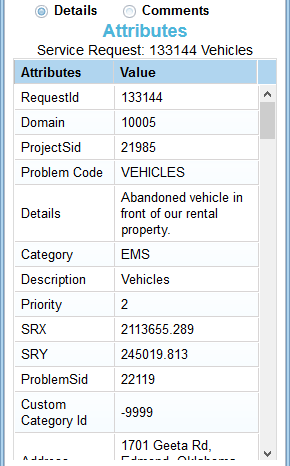
You can view the attributes of a work activity.

Documentation Feedback Form
Please give us feedback about this Cityworks guide.
If you have a feature enhancement request, please see the Ideas page on MyCityworks.
Last updated 5/12/2021.
Copyright© 2010–2021 by Azteca Systems, LLC. All rights reserved.