View the Audit Log
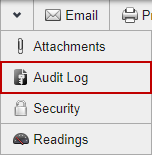
The audit log shows all changes made to the inspection.
- Open the inspection.
-
 NOTE: The fields displayed in the audit log are configured in Designer under Inspections > Audit by the administrator.